A quick intro to vibe coding
You’ve heard about this thing called vibe coding and you want in on the action? You came to the right place.
Vibe coding is the act of taking your ideas and prompting an AI in plain English to make the idea happen. We will start with nothing but a computer running a recent macOS or Windows, and end up with a working site that you can share with your group chat.
What do you need to vibe code an ideagrow a turtle?
- A desk for you and your AI to grow your little turtle (your app)
- A terrarium for your turtle to be active and live in (a place your app code can run)
- A Reptile House to put your turtle on display (your app running on the internet)
Get the desk ready
You and the AI need a space to work on your app together. In the industry, we call these special applications harnesses, but here we will think of it as the desk. Neither of you live at the desk, but you meet there to get work done.
Head over to OpenCode in another tab and download OpenCode Desktop. OpenCode is free, and built by a small team specifically to a great experience right out of the box. Bonus: as your vibing gets more advanced, you can connect to even more powerful AIs (called models) without changing desks.
Once that is installed, you are ready to start vibing.
Using the desk
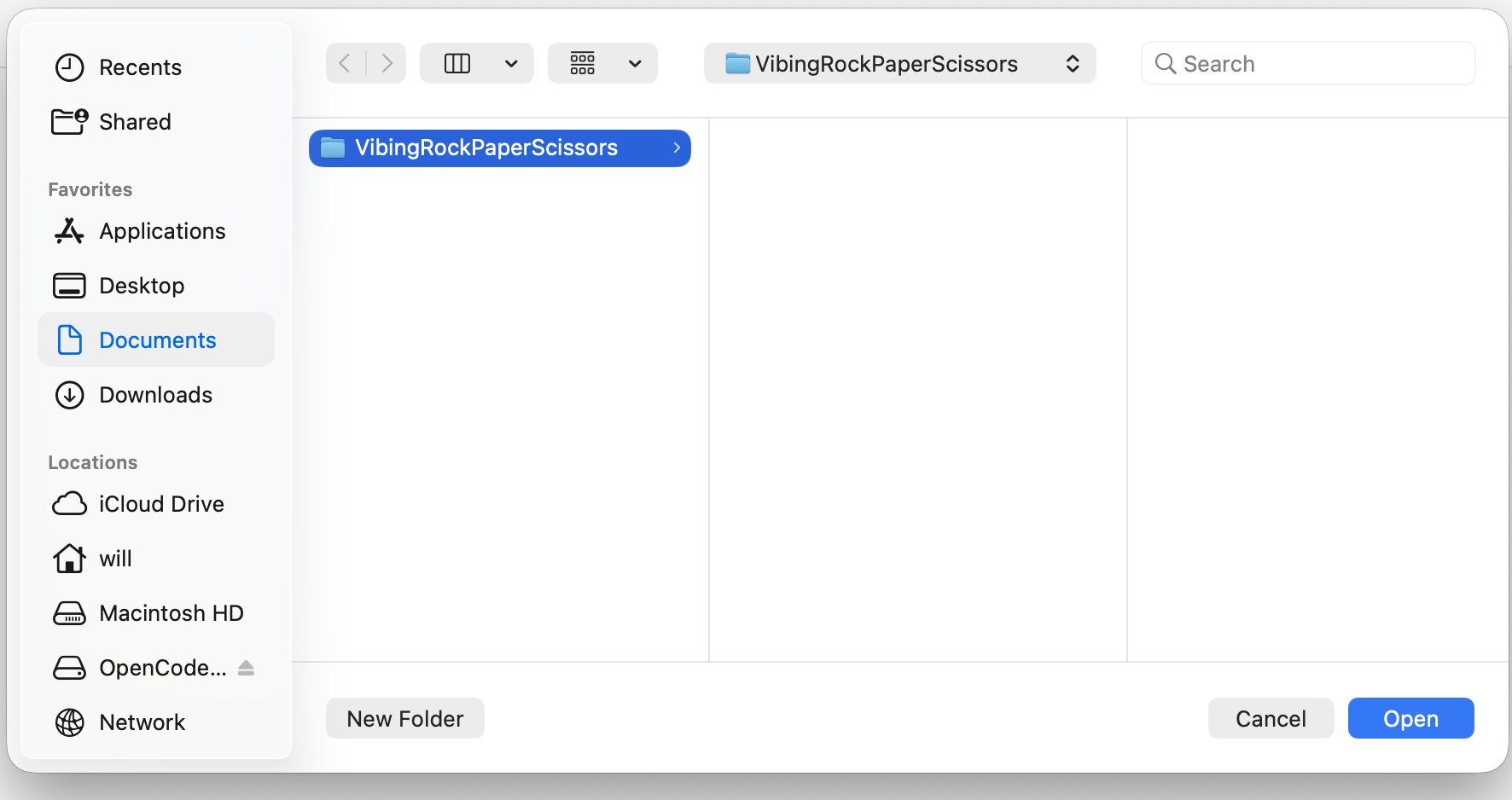
Select a new folder to hold the little turtle. In OpenCode you can click the plus to select or create the project folder. If you don’t already have a place you like, I recommend creating a Projects folder in your Documents and putting each vibe coded project in its own folder. I named mine VibingRockPaperScissors:
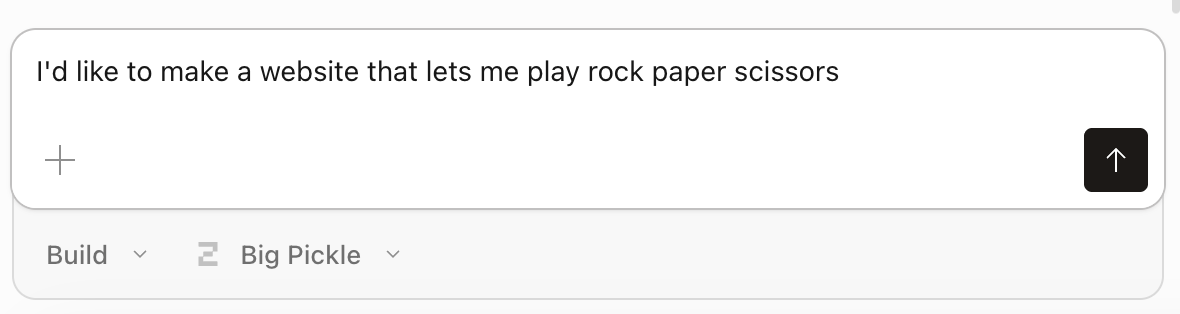
We are ready! We will make our app with just vibes and the little box that says “Ask anything”. I said, “I’d like to make a website that lets me play rock paper scissors.”
After a few seconds of thinking the AI told me it was done. There was nothing for me to click so I asked the AI how to open it. When vibing, we can just ask the AI to do things we don’t know or explain concepts we are interested in.
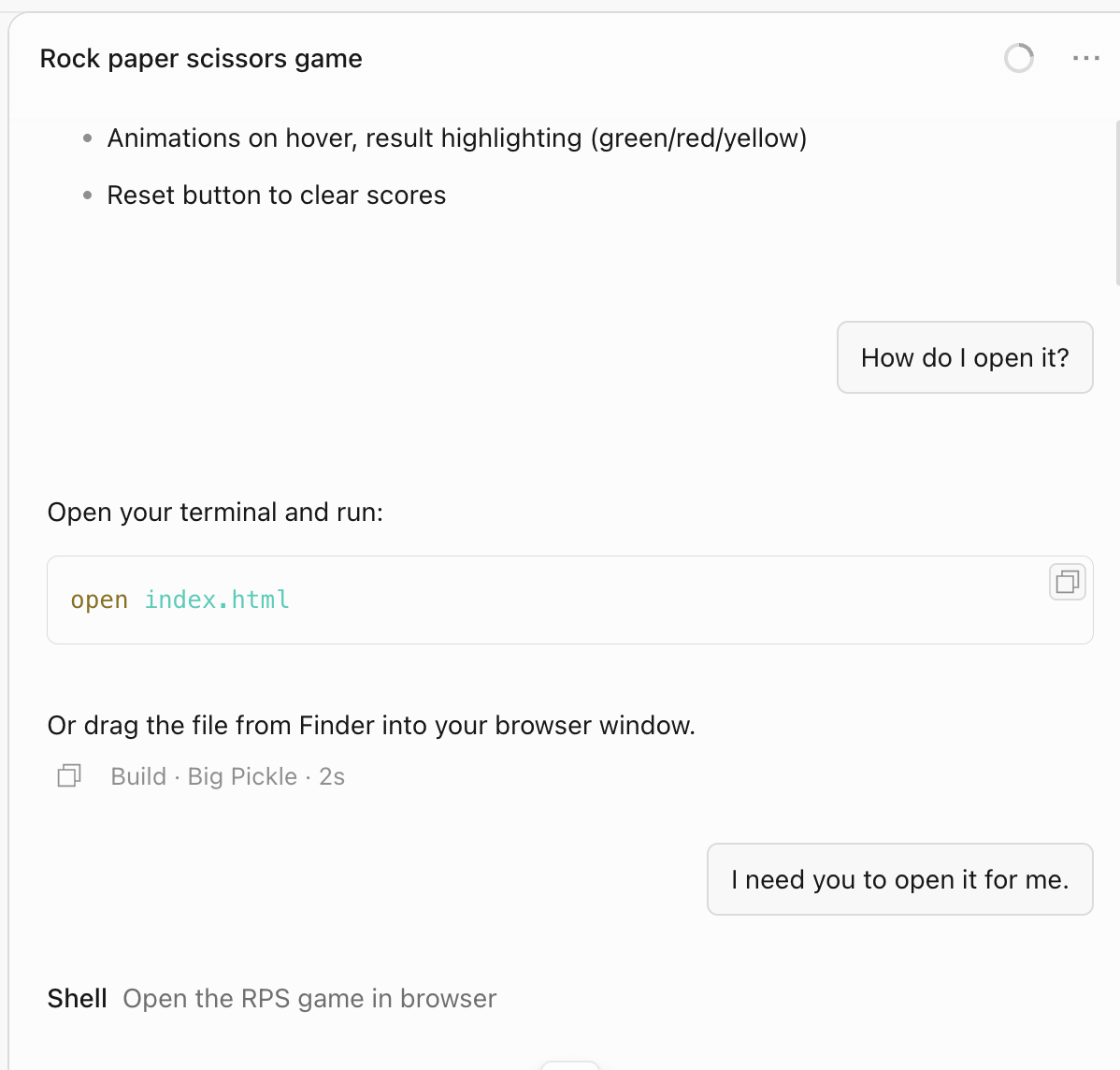
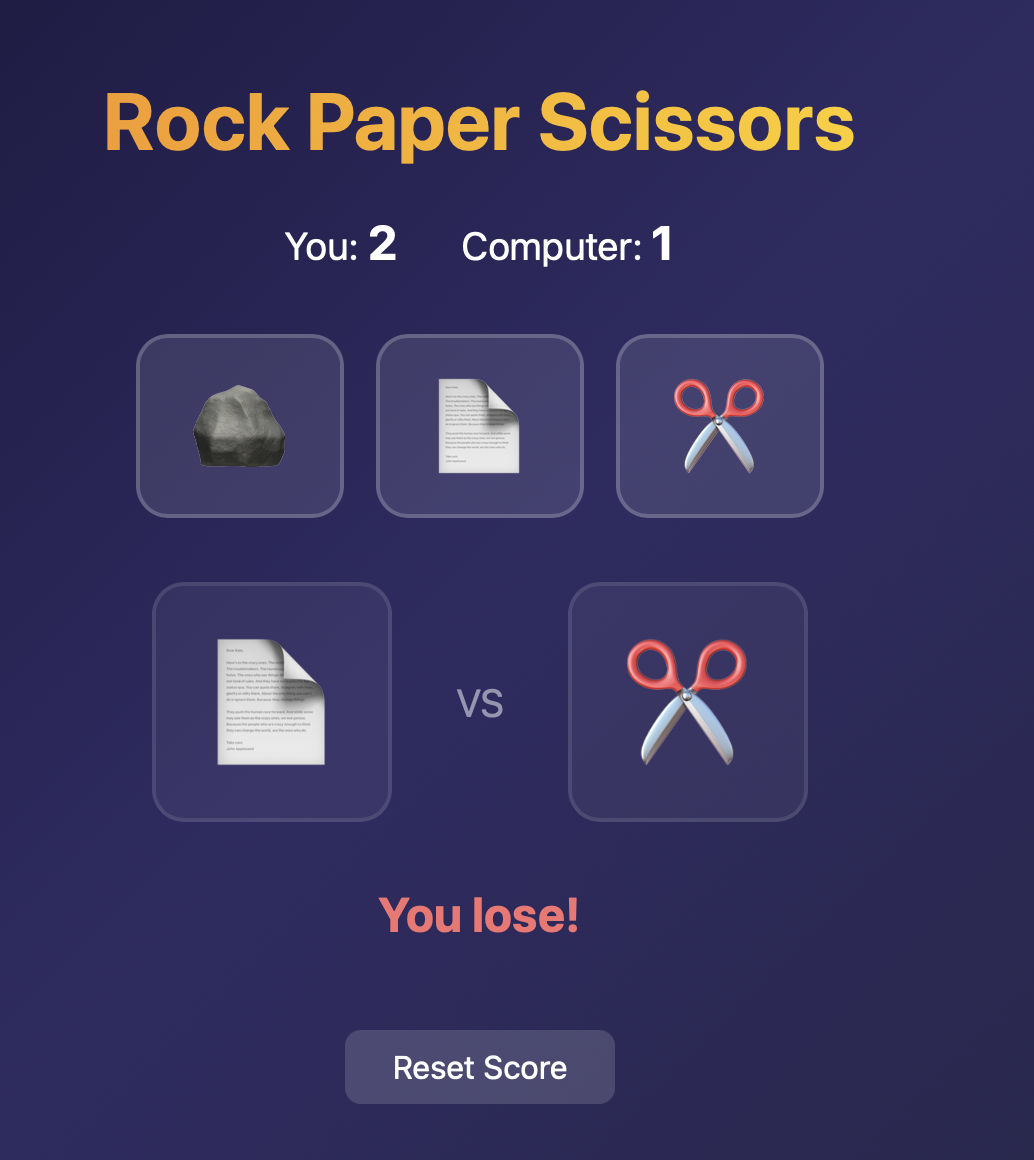
It said to open it in the terminal?? I don’t know about you, but I went to school for music, not computer science so I told the AI to open it. It opened a browser for me and it worked. I could see my rock paper scissors game and play it!
Now we can do things like tweak our idea. I’m going to tell it to replace the standard rock, paper, scissors rules with turtle, plastic bag, and stick.
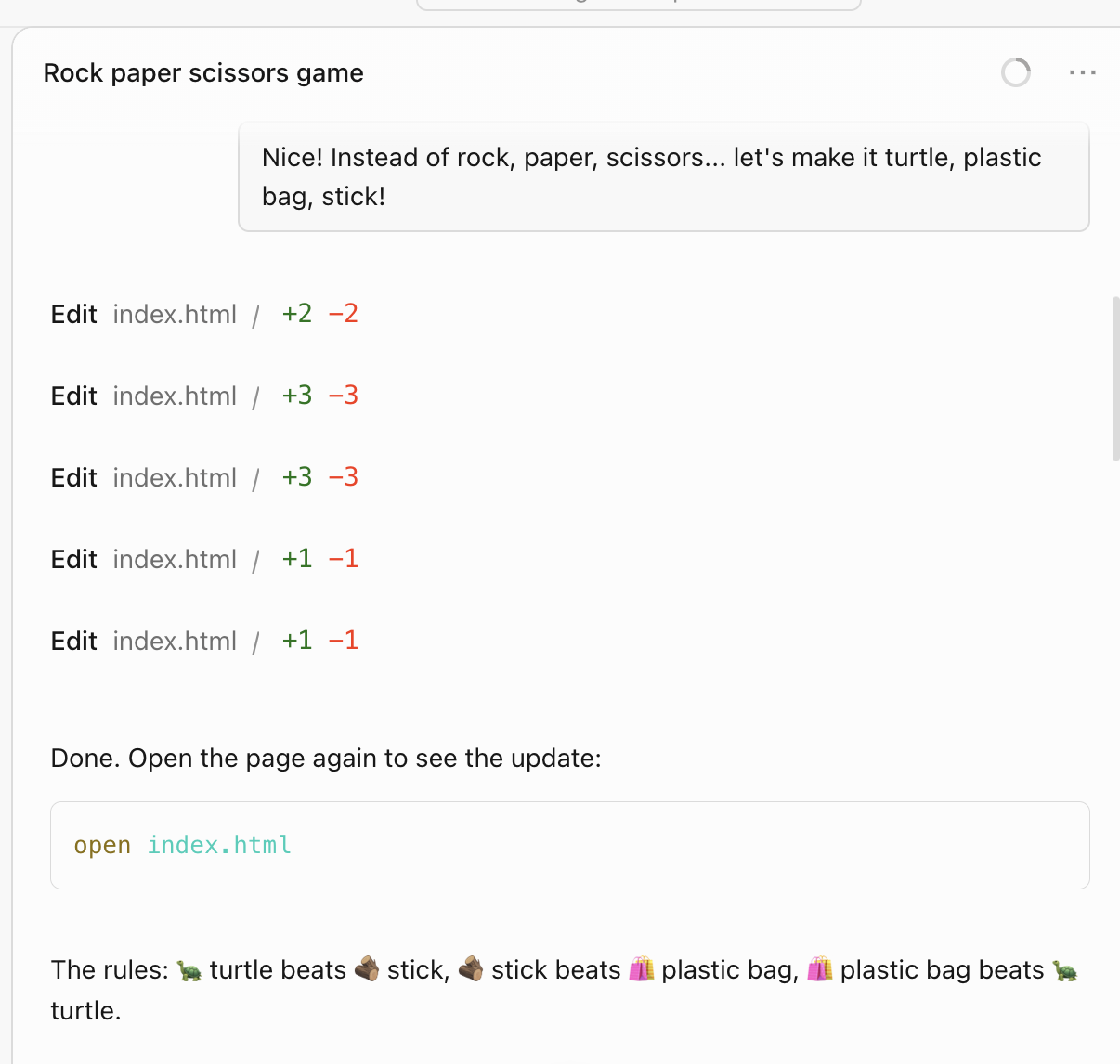
Perfection. For things that you are just vibing for yourself, you can just keep looping through tweaks here at the desk and running them on your own computer.
I want to show my buddy Daniel (he loves turtles!), but I can’t share things on my desk without inviting him over to my house. Similarly, we can’t share this app with anyone outside our computer… yet. With a couple more steps, we will put our little turtle on display at the Reptile House (internet) where anyone can visit.
A terrarium for your turtle
Just like raising a real turtle, this is where things start to get tricky. Turtles need the right temperature, moisture levels, access to water… even the light matters. With a terrarium, a turtle can be out and about and viewed from more places in our house. Our turtle also needs some support before we can share it beyond our desk.
Now… there’s a lot of legitimate ways to package an app, and as a vibe coder, I don’t want to think about any of them.
Since I am on macOS, I can use the UpTurtle wizard to handle it for me. If you want a more hands on experience, tell your AI to use homebrew to install podman and configure your MCP server directly.
When I am on Windows, I just tell my AI to use winget to install podman because that is what UpTurtle recommends. After the reboot from the installation we are ready. Copy and paste the manual setup block into OpenCode so the agent can help with the rest.
If we stopped here, we could have our AI set it up so the turtle could live in their little container (that’s really what the tech is called too 😂)… but we can skip that because with UpTurtle we are basically at the fun bit.
A Reptile House where your turtle is on display
Now usually getting much past this point would require being a herpetologist, or at least knowing one, to get your turtle on display… That’s where UpTurtle comes in (I guess I should disclose that this turtorial is sponsored by UpTurtle).
We are going to put our little turtle in a Reptile House where the whole world can see it.
I’m telling the AI to share my game with the world.
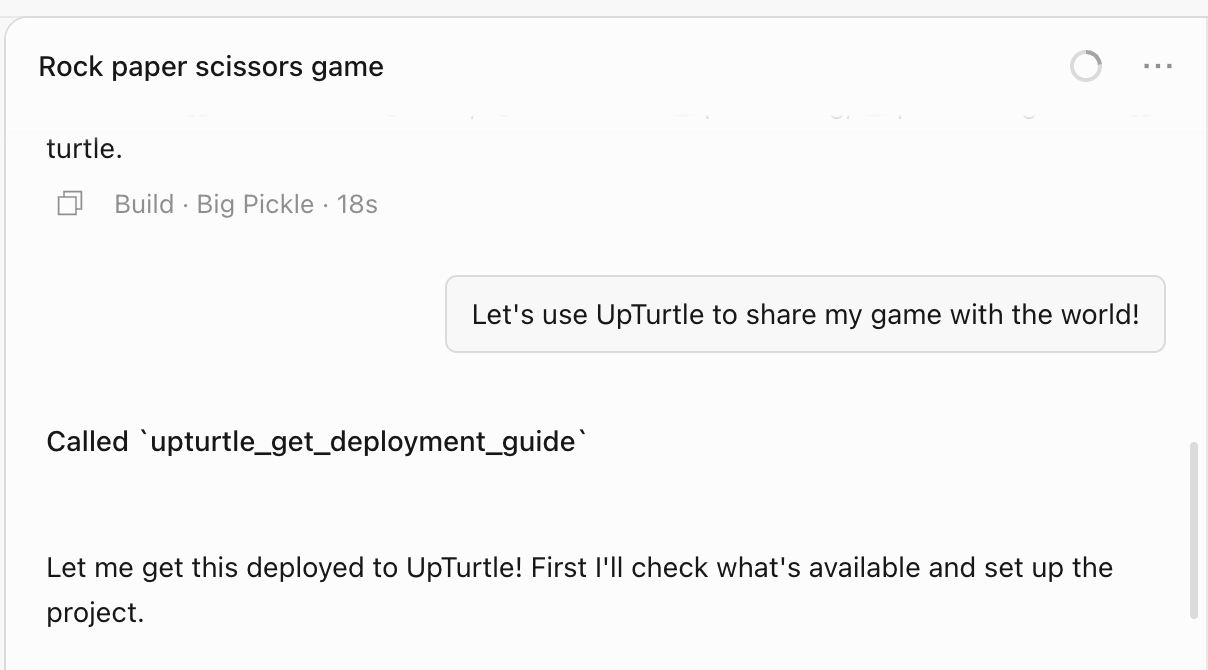
The AI thinks a bit, and checks off some items. It would be cooler if they were hieroglyphics, but I guess these tasks will do.
The AI asks me what my app’s name should be, so I pick turtle-bag-stick.
A few more moments, and the AI gives me a real link I can click and share with my friends.
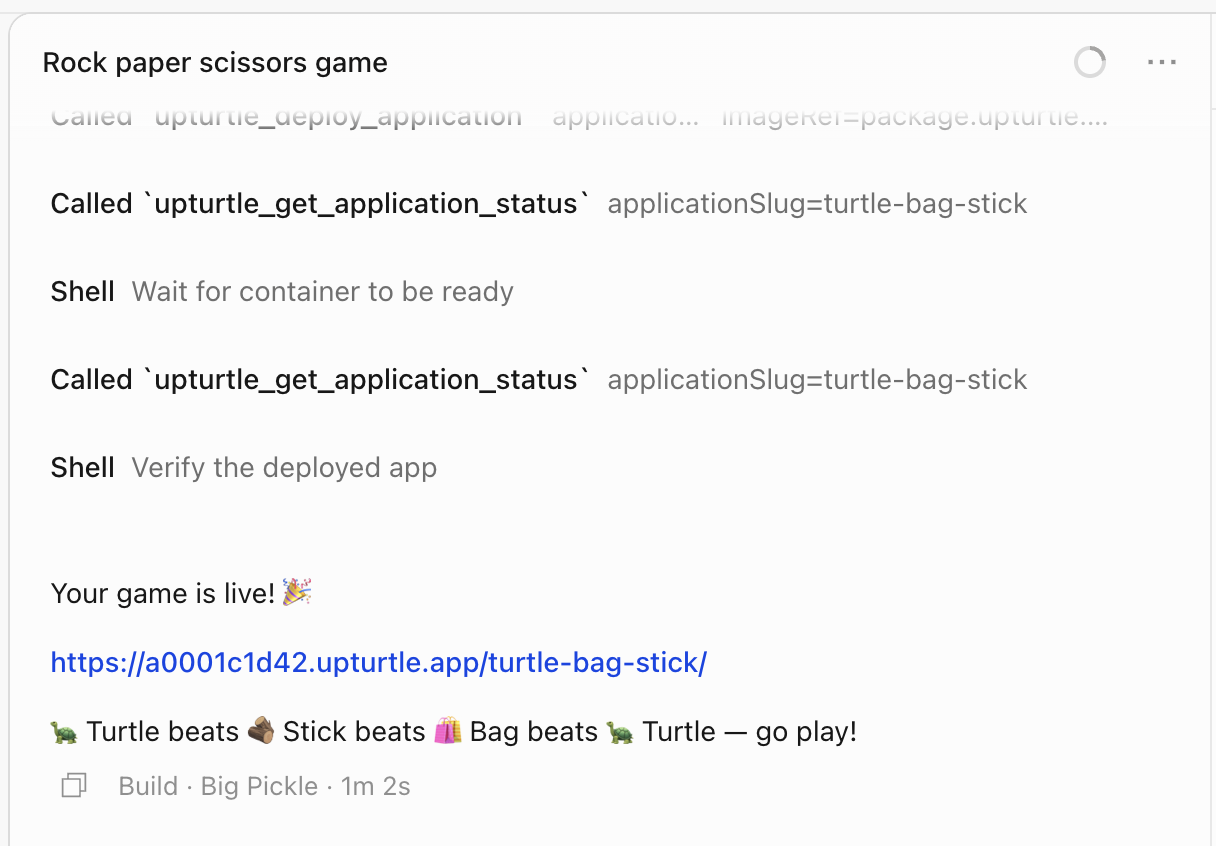
I realize after sharing it with a couple of people that I wanted a more turtley color scheme, so I tell the AI. It thinks some more and tells me I can see the changes.
Sure enough, my little turtle, bag, stick game is updated. You can play the final version here.
This is the joy of vibe coding. Usually sharing an app takes a lot of work to share what you got running on your computer, but with UpTurtle to take care of the terrarium and Reptile House, you can just focus on vibing at your desk. You can have your AI add things like logins, uploads, menus. You can have multiple apps running all at once or just your one main idea.
Now if you will excuse me, I am going to update this color scheme…